Foil balloon printing converts flat artwork into a flexible, heat-sealed product that changes shape during inflation. Buyers must control color references, plate separation, registration and critical artwork zones.
“The buyer approved the pink on a laptop. The first inflated sample looked metallic, darker and completely wrong beside the rest of the range.”
Foil printing is unforgiving because the buyer is approving color on a surface that reflects light, stretches during inflation and curves away from the flat proof. A digital mock-up can confirm layout, but it cannot reproduce every effect of ink, film, metallic reflection, registration and finished shape.
FoilJoy moves critical colors out of the guessing stage. We work from named references, separate plates correctly, protect registration-sensitive artwork and review production-intent samples in both flat and inflated condition. The point is not to promise that every screen will look identical—it is to give the buyer a repeatable approval target the factory can actually manufacture.
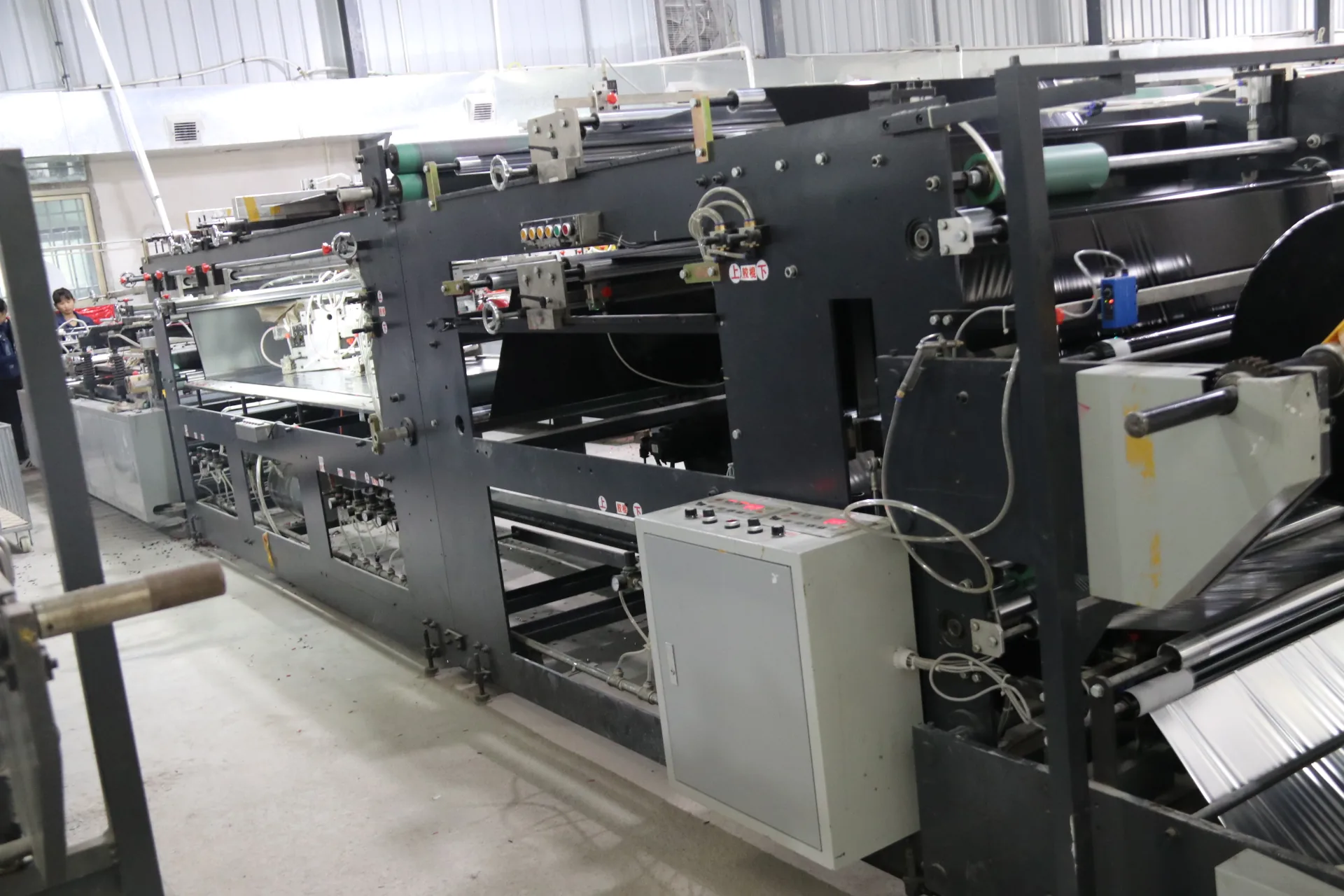
Approve color against a defined physical reference under agreed lighting, and approve print position on an inflated production-intent sample. Screen displays, metallic reflection and film curvature make exact appearance impossible to judge from a PDF alone.
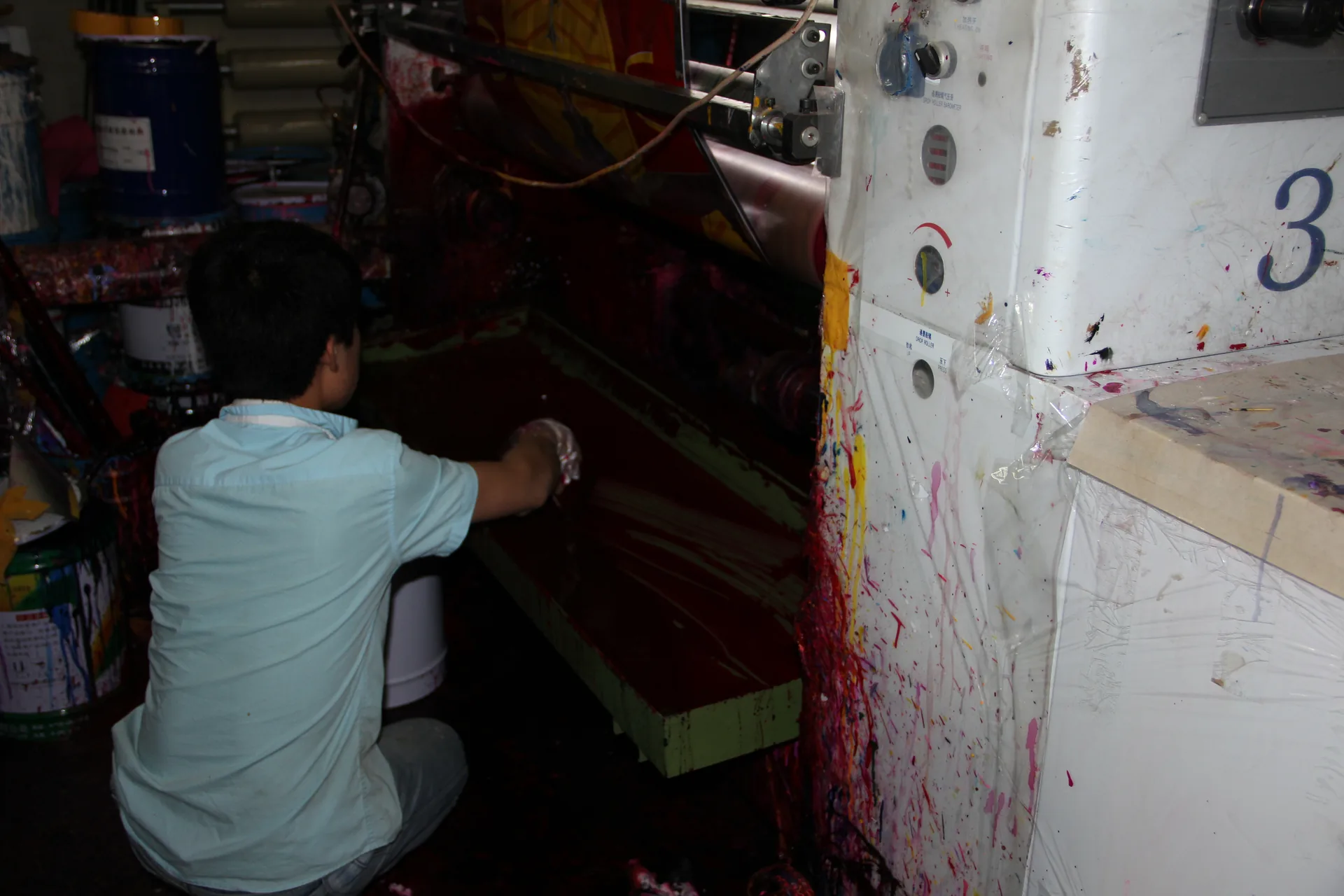
Tiny text near seals, uncalibrated RGB screens, transparency effects, metallic substrates and late film changes can all shift the result. A practical tolerance should be agreed for the real balloon rather than a computer monitor.
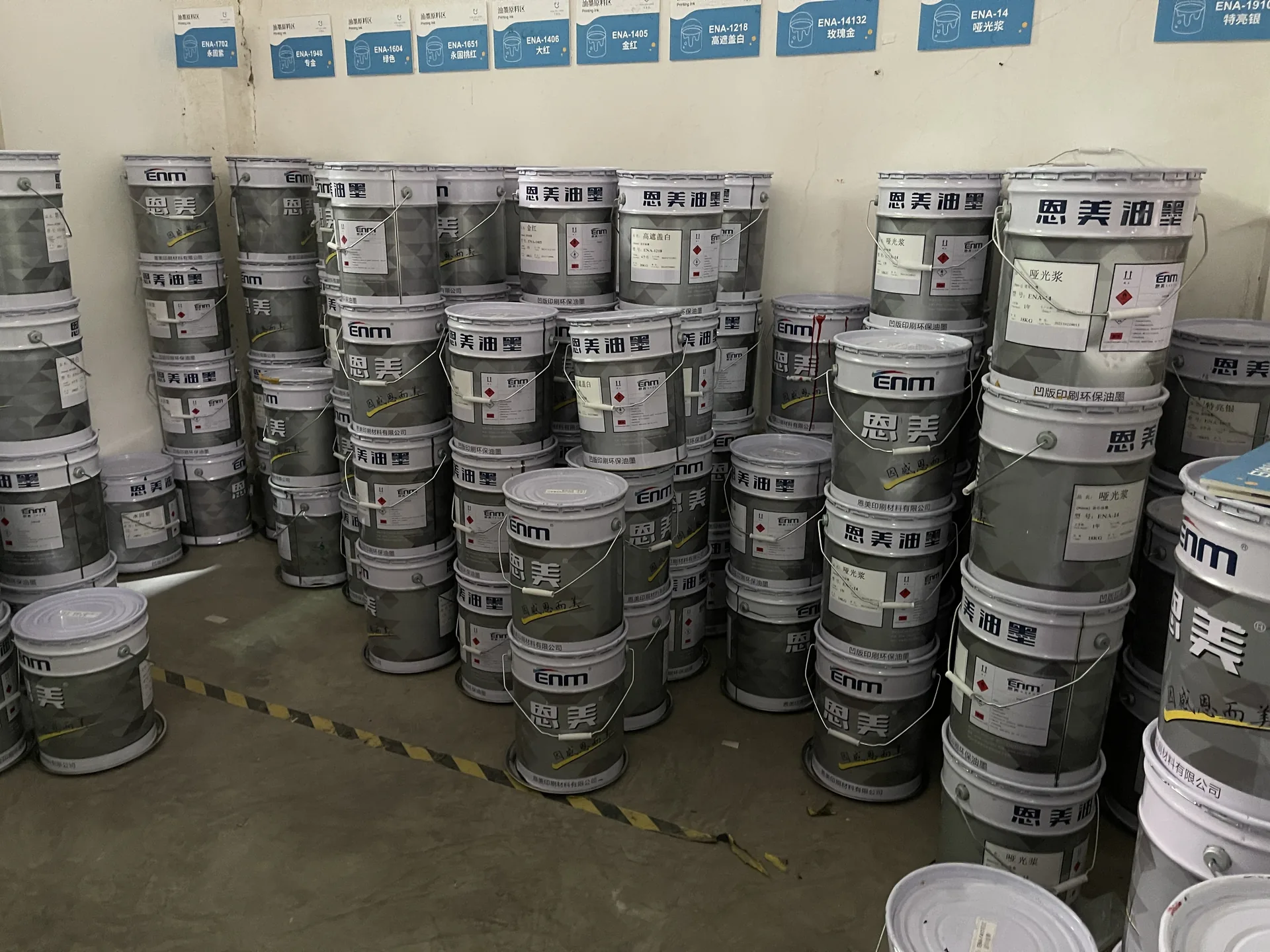
FoilJoy connects artwork review with printing, sealing and inflated appearance. We identify important faces, logos and text that could move toward the seal or distort after inflation.
Continue with our artwork guide, custom-shape guide, factory process and buyer insights hub. See Pantone’s color-management overview.
Send the artwork, size, quantity per design, target market, packaging and delivery window for a practical production review.
No. A physical reference and production sample provide a more useful approval target.
The film curves and stretches, changing proportions and reflection.
Yes, subject to construction, artwork and quotation.